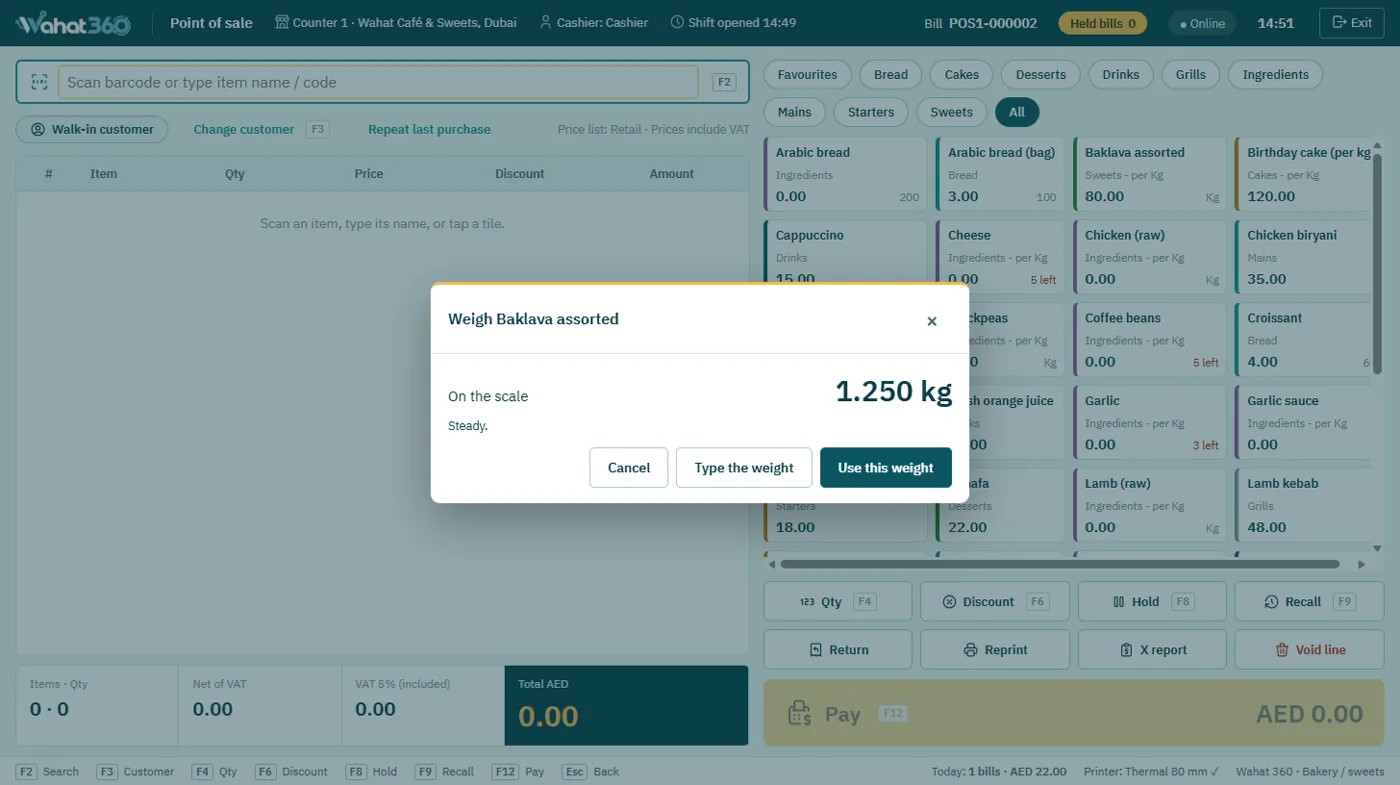
Weighing scale
The weight comes straight from the scale.
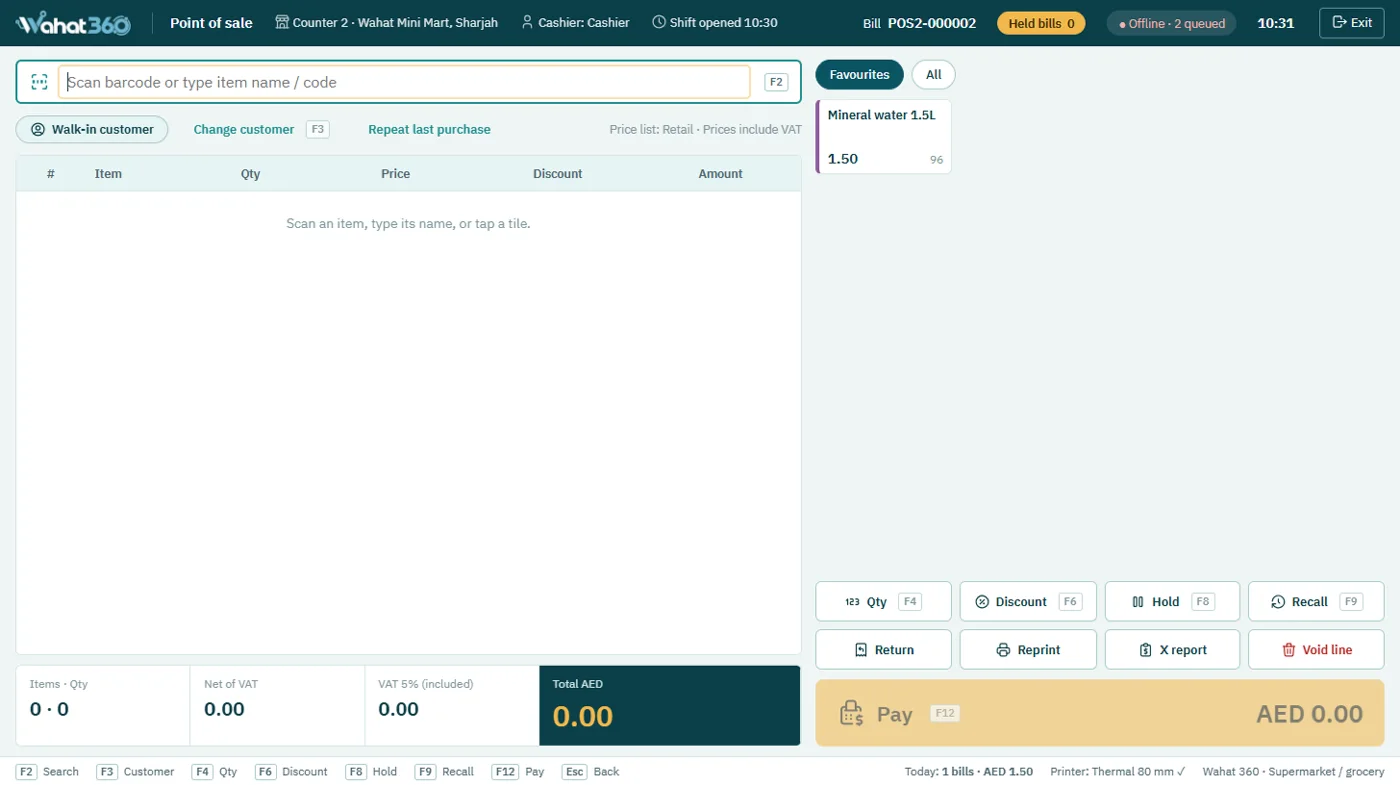
Point of sale
A full-screen point of sale that posts straight to your books. Switch it on when you need it.
Scan a barcode, type a name or code, or tap a tile. Every action has a key.
Cash with the change worked out, card, bank transfer, split payment or on account.
Open with a float, close by counting the cash. Over and short are shown at once.
Park a bill, serve the next customer, and bring it back.
Refund by receipt number, with a tax credit note.
Discount limits, voids and credit limits need the supervisor PIN.
80 mm, 58 mm, A5 or A4, as a simplified or full tax invoice.
Per shift, per bill or once a day. You choose; the VAT return follows.
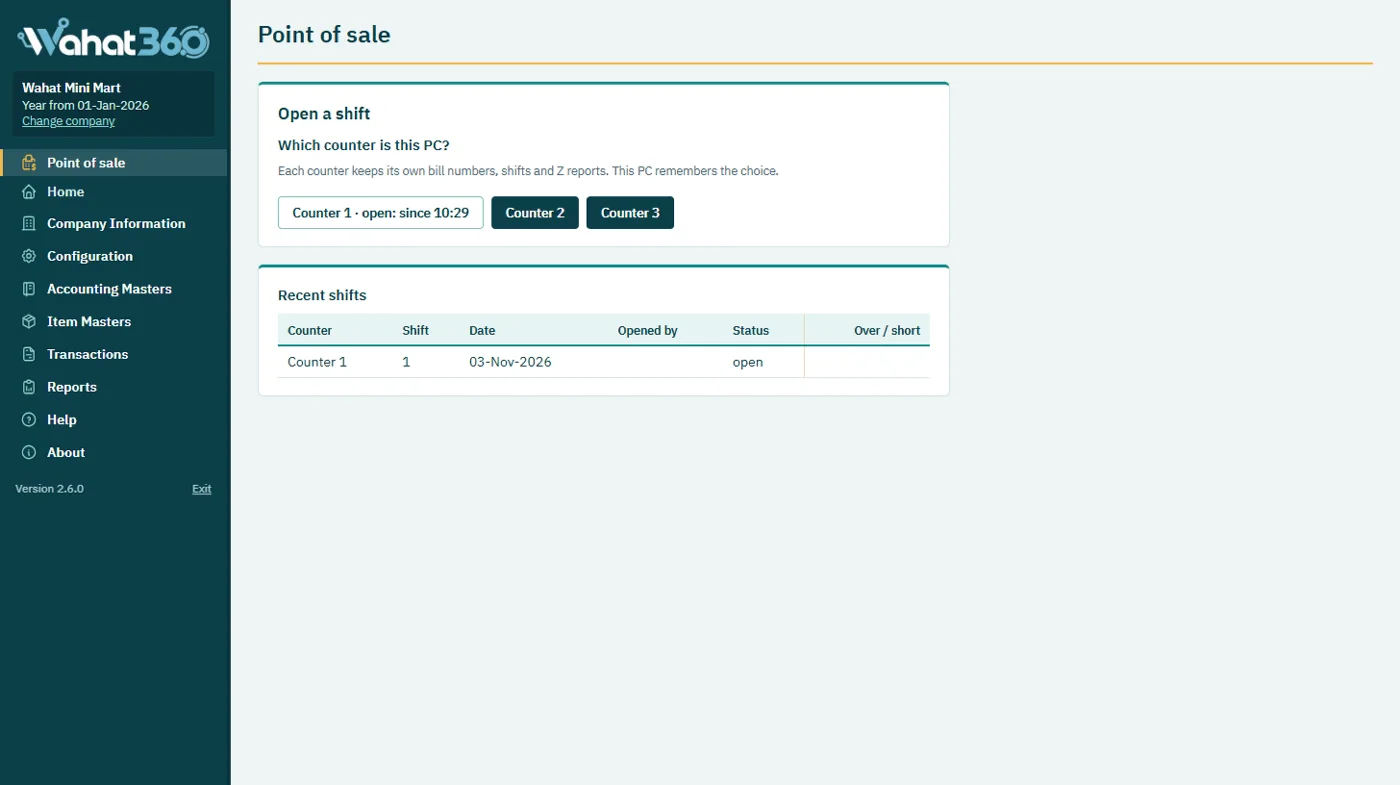
Several counters
One PC is the server and the others are its counters. Each counter keeps its own bill numbers, shifts and Z reports, with one combined day report.
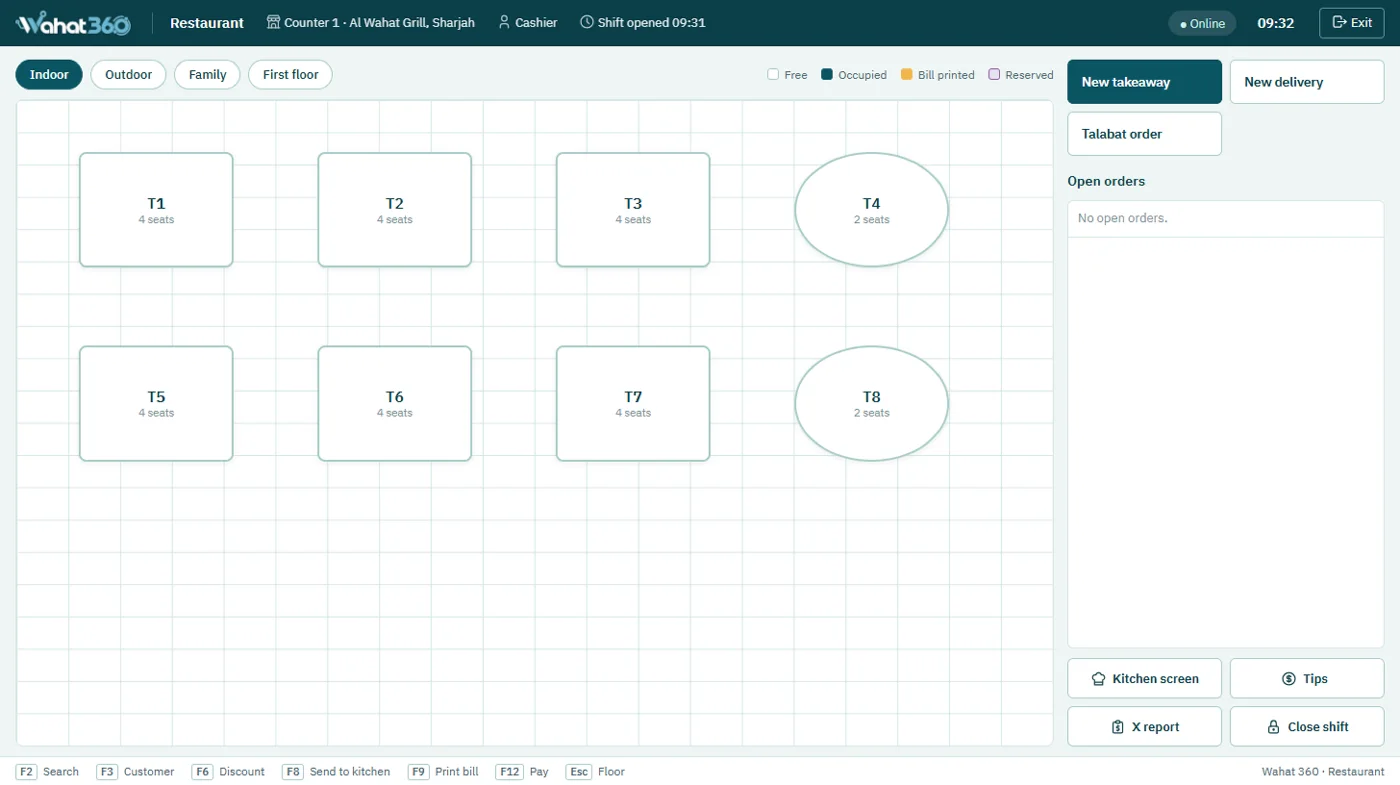
Restaurant and café
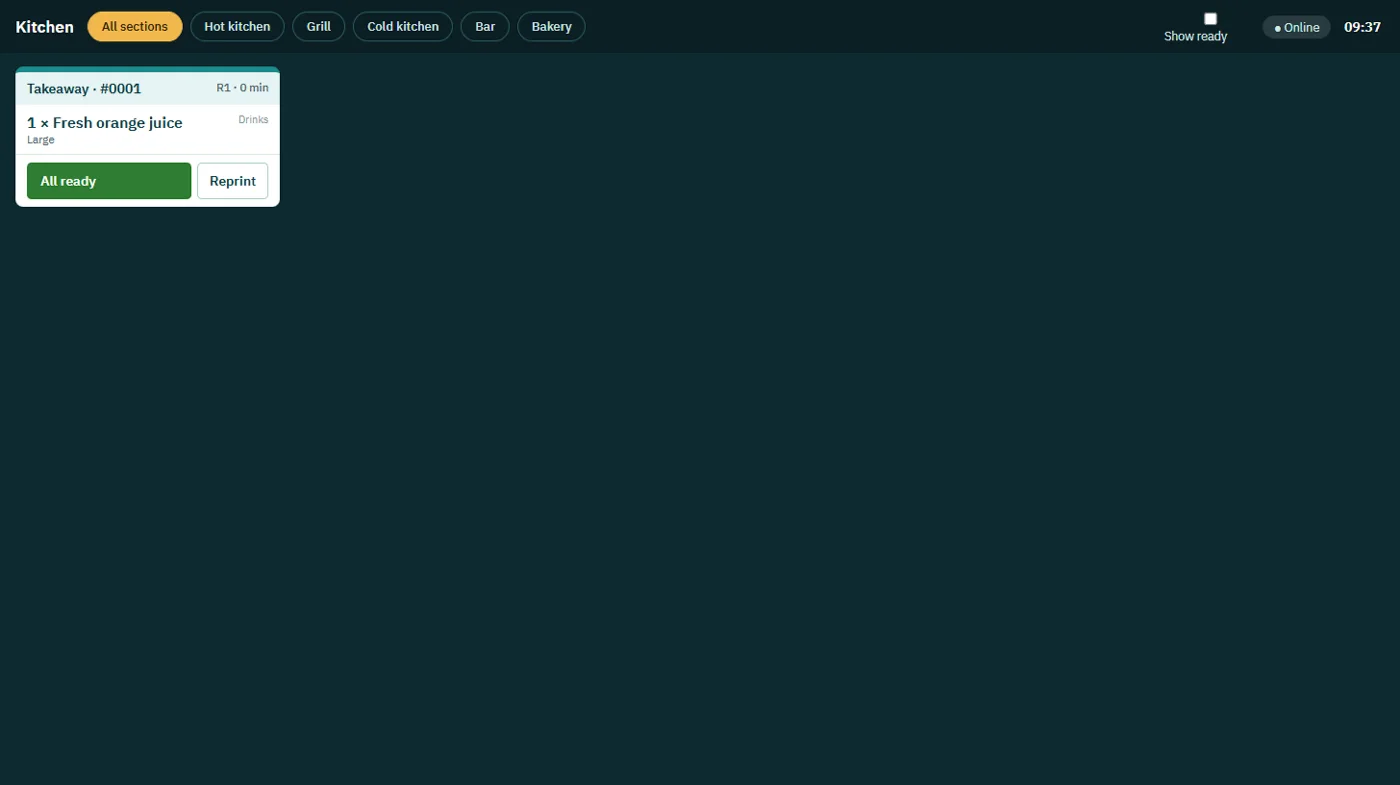
Draw your floor, send rounds to the kitchen, and split the bill any way the guests ask.
QR menu
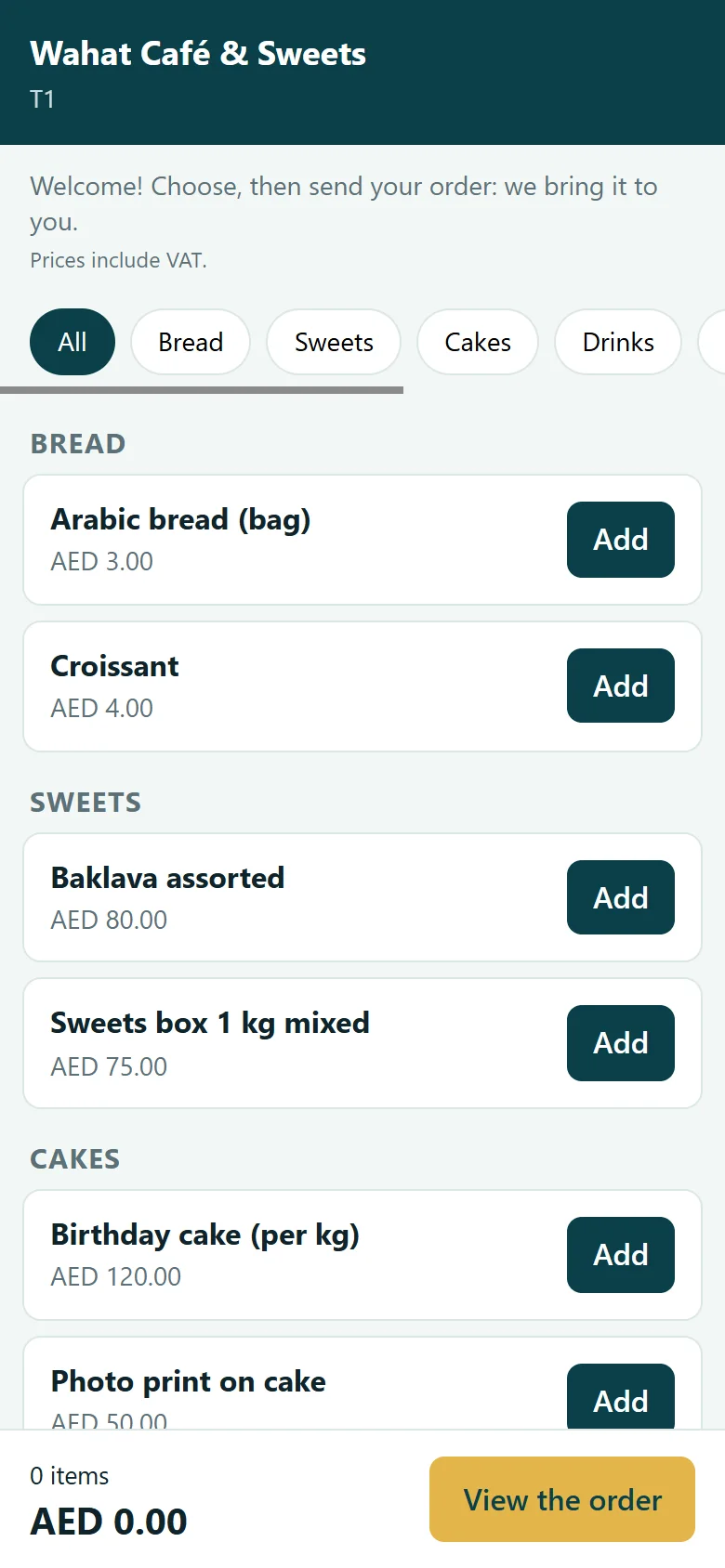
Print a QR code for each table or the counter. Guests scan, choose and send; the order arrives for the waiter to accept and goes to the kitchen.
The weight comes straight from the scale.
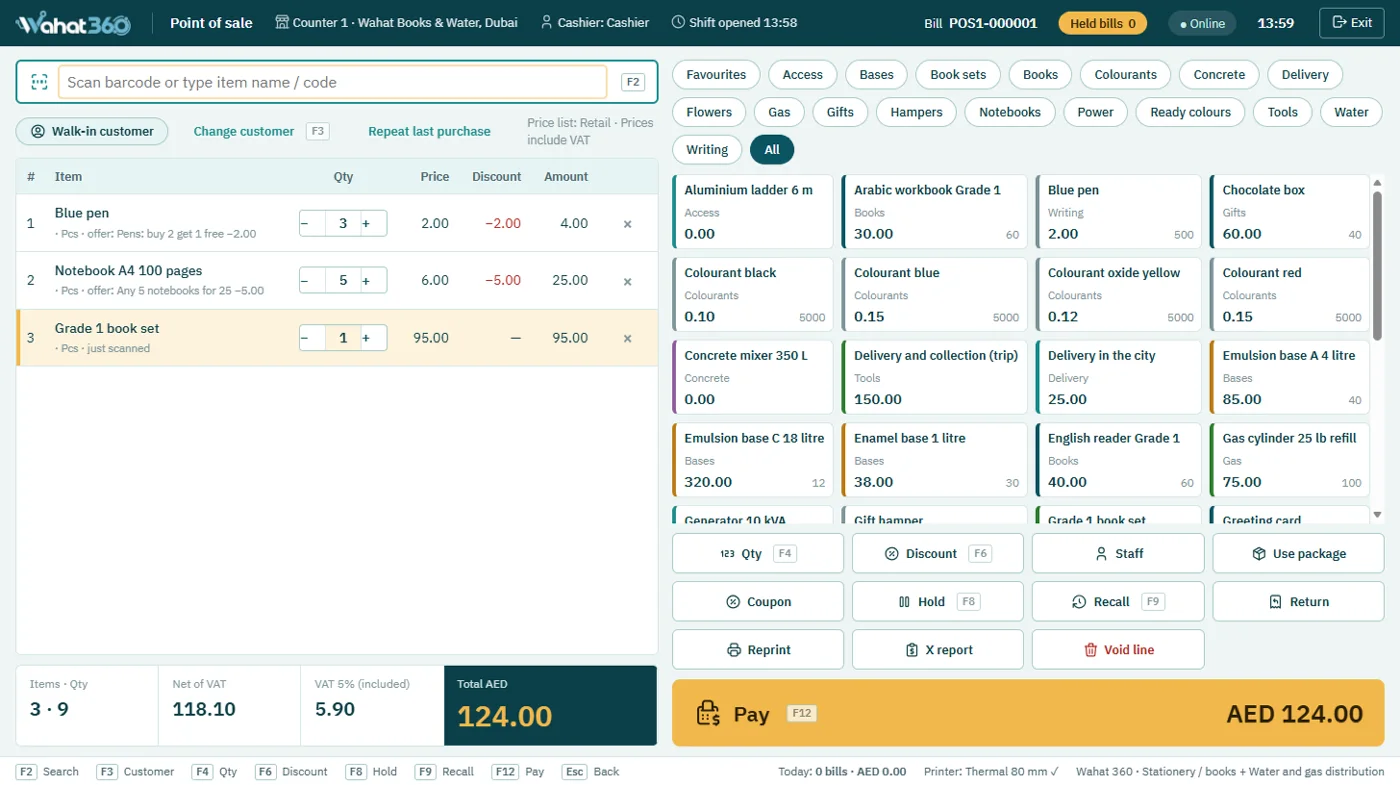
Buy and get, mix and match, happy hour and coupons.
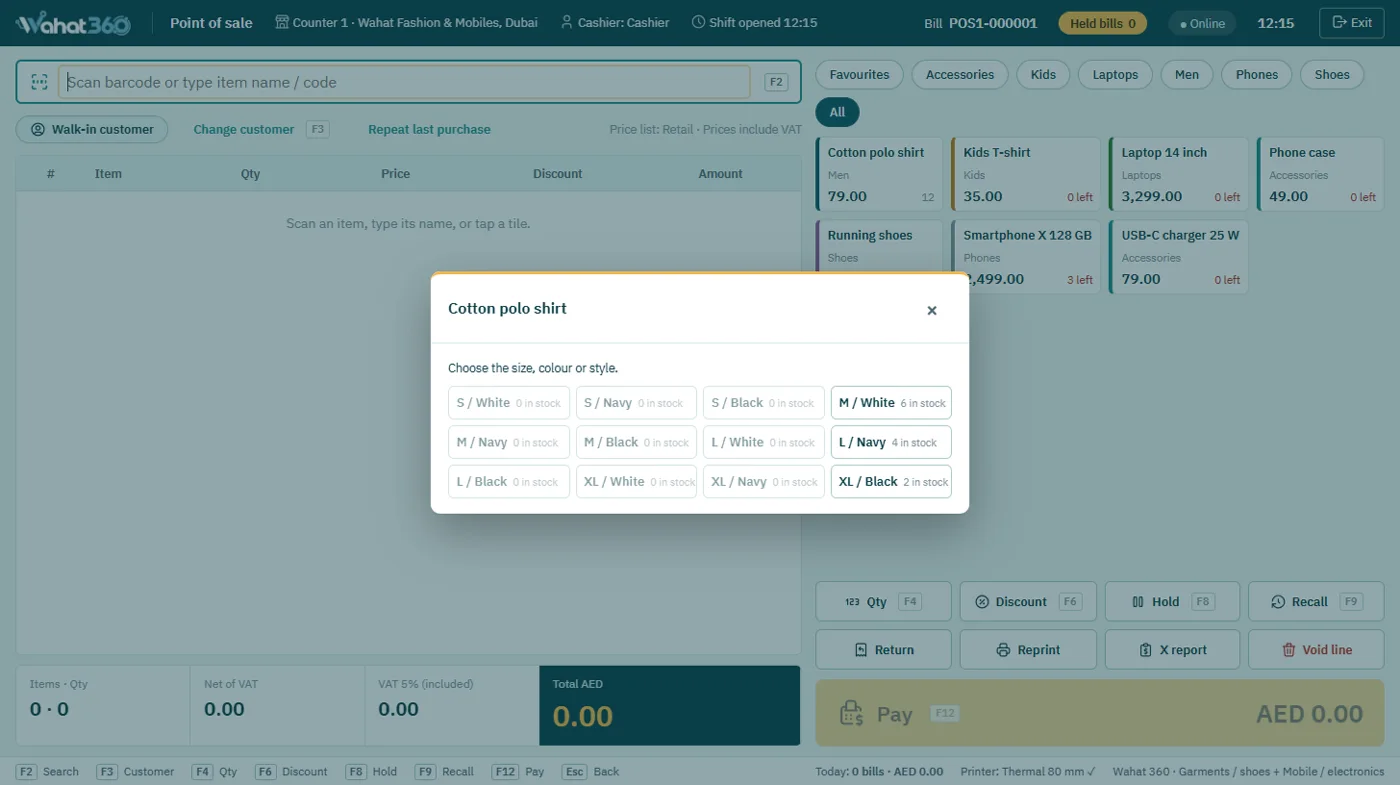
Pick the size and colour as you sell.

Sell them, and take them as payment.

Take foreign cash at the day's rate.

The patient pays their share at the counter.
Tell us what you do. We will show you the screens that matter to you, with a demo licence to try it yourself.